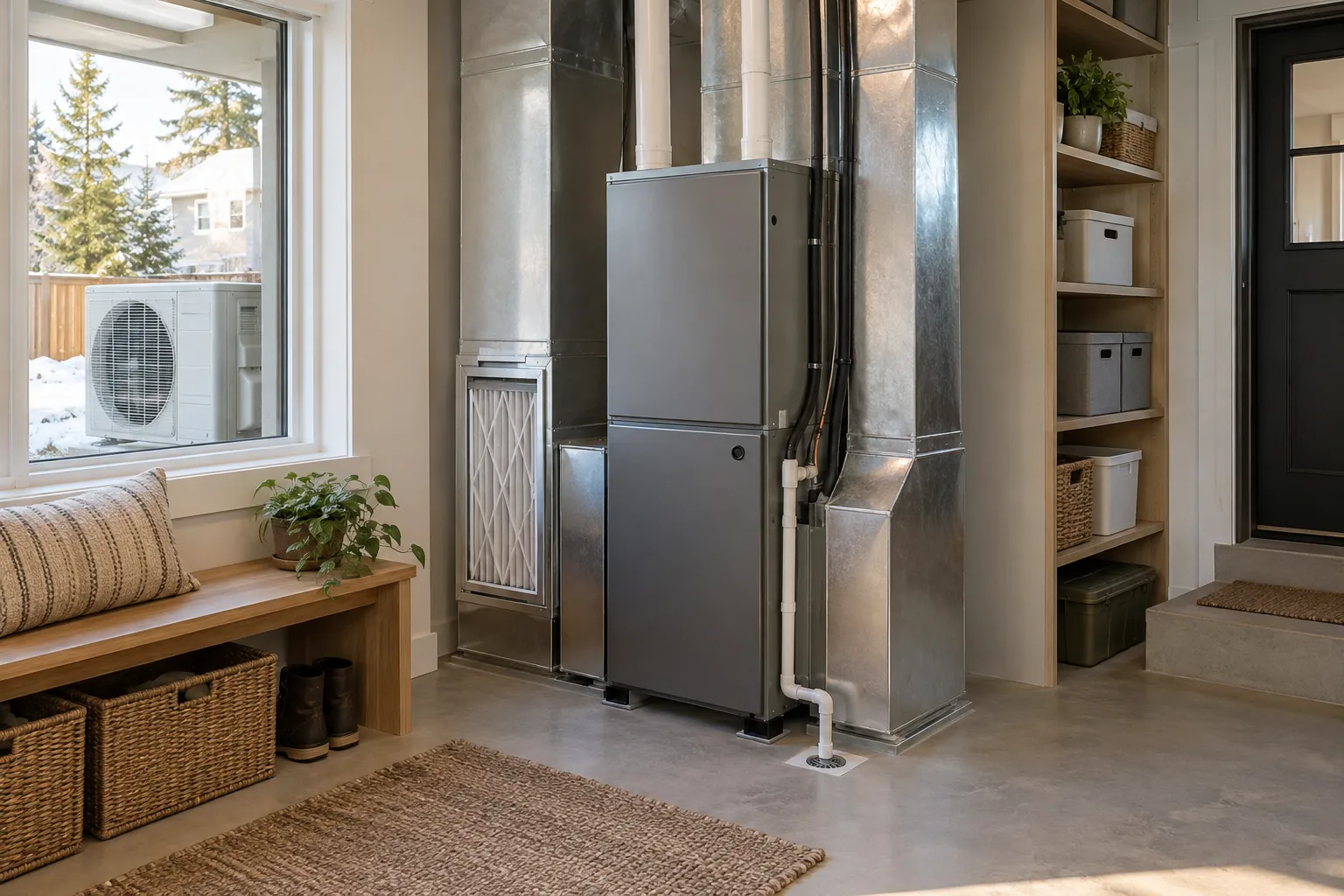
A first alert setup should connect the chosen device with clear contacts, service terms and everyday use.
Resolve the important fit decisions
Review the user’s abilities, preferred wearable or home equipment and available communication service. Check whether coverage is local, mobile or both. Ask for the proposed arrangement to be described before products, dates or connected work are committed. Photographs help establish the brief; concealed conditions may still need a visit.
Coordinate the surrounding work
Confirm who receives an alert, whether monitoring is contracted and how equipment behaves during power or network interruptions. Keep accounts controlled by the authorised user. Record what the quoted work assumes about the room and identify who will address a condition that falls outside those assumptions. That keeps the next step practical and comparable.
Define a useful finished result
Agree the provider’s test procedure and an accessible explanation of charging, wearing or operating the device. Send HAUSE the relevant measurements, accessible photographs and your preferred outcome. A focused enquiry gives the provider a better starting point for confirming scope, suitability and availability.
What shapes the scope?
- Device and communication type
- Contact and monitoring setup
- Power and network requirements
- User instruction and testing
What should be checked?
- Contacts confirmed
- Agreed test completed
- Terms and operation explained
Questions worth asking
Does setup guarantee an emergency response time?
No. Review the chosen service’s actual terms and limitations; device setup should not promise a universal response.
Can contacts be added without their knowledge?
Confirm the intended contact arrangements and responsibilities directly before relying on them.
Bring the details together.
Add this service to My project. Tell HAUSE what you have, what you want to achieve and where the work is needed. A clearer brief makes it easier to discuss the right assessment, responsible trades and written scope.
Build my project brief ↗